Latest updates, features, and improvements to GammaFlip.io
This release only affects you if you use the GammaFlip API — nothing changes in the app.
/api/v1 error now has one shape — a fixed, machine-readable code in error, and human prose in message: {"error": "invalid_exchange", "message": "Exchange 'kraken' is not available."}. Previously error held an English sentence like "Authentication required", so the only way to detect a specific failure was matching text that could be reworded at any time. The codes are unauthorized, subscription_required, market_not_in_plan, invalid_exchange, no_data and rate_limit_exceeded — the same ones our error docs have always promised, but which the API never actually returned. Branch on error; never parse message, its wording can change. Heads-up — this is a breaking change: if your integration matches on the old sentences, it needs updating. If you built against the published docs, it starts working./expirations returned errors disguised as success: An unknown exchange on /api/v1/expirations/... came back wrapped in the normal success envelope, with the error buried inside data. So the obvious client code — response.json()["error"] — worked on the two /gex endpoints and crashed on this one. All endpoints now return an identical, un-enveloped error body.Retry-After on rate-limited responses was unusable: A 429 carried an ISO-8601 timestamp in Retry-After, where the HTTP standard allows only a number of seconds or an HTTP date — so retry libraries (urllib3, axios-retry) that read it automatically would break. The header is no longer sent at all: the daily quota resets at midnight UTC, so the only honest value could be many hours, and those same libraries would obey it by sleeping through your session. Schedule retries off X-RateLimit-Reset (ISO 8601) instead, as the docs already recommend — it's unchanged.market_not_in_plan error: The 403 you get when requesting a market your plan doesn't cover (Crypto vs TradFi) was missing from the published error list. It's now documented, and carries market and current_tier alongside the code.
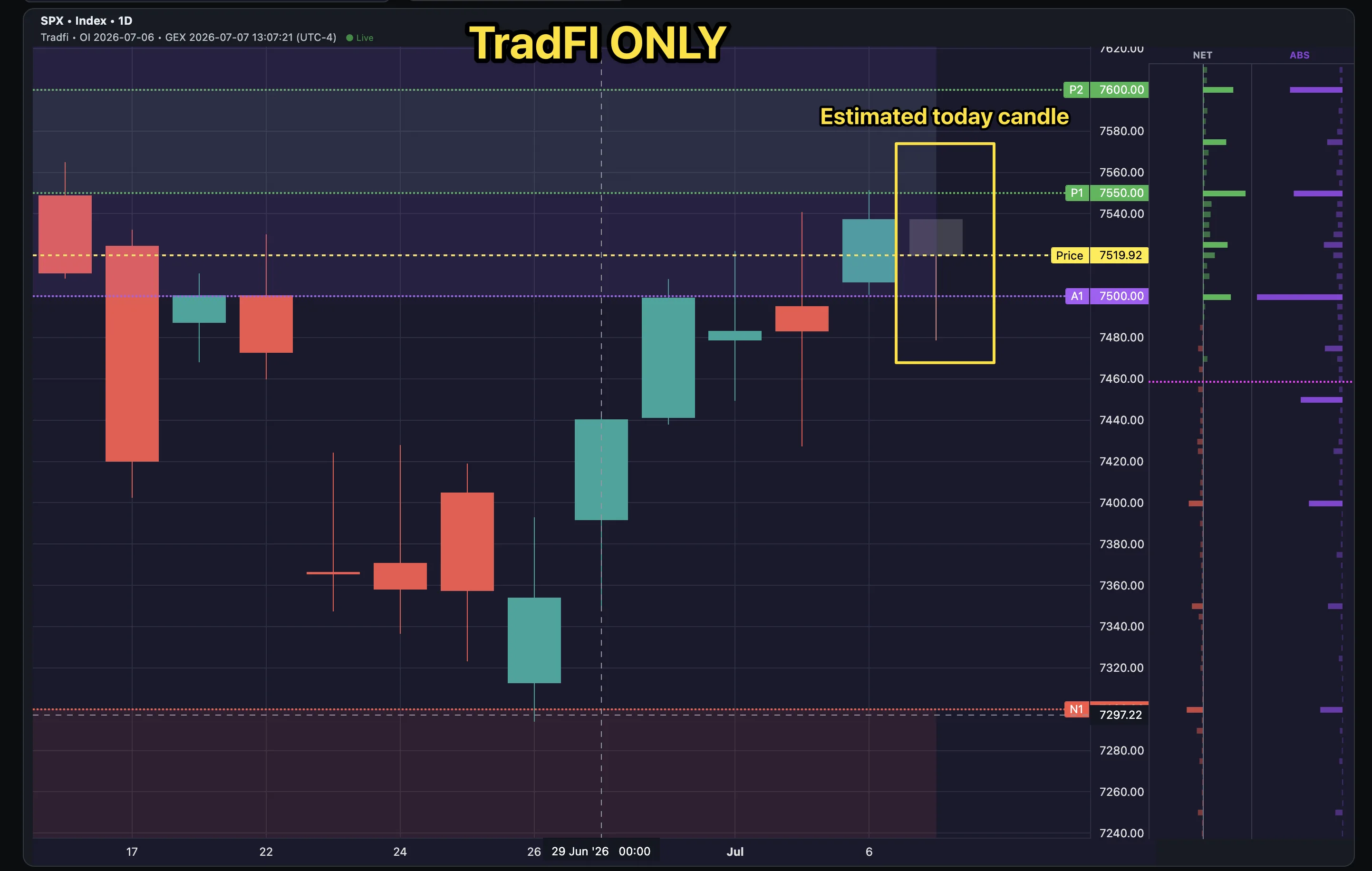
| Market | Index | ETF |
|---|---|---|
| S&P 500 | SPX | SPY |
| Nasdaq-100 | — | QQQ |
| Russell 2000 | RUT | IWM |
| Dow | DJX | DIA |
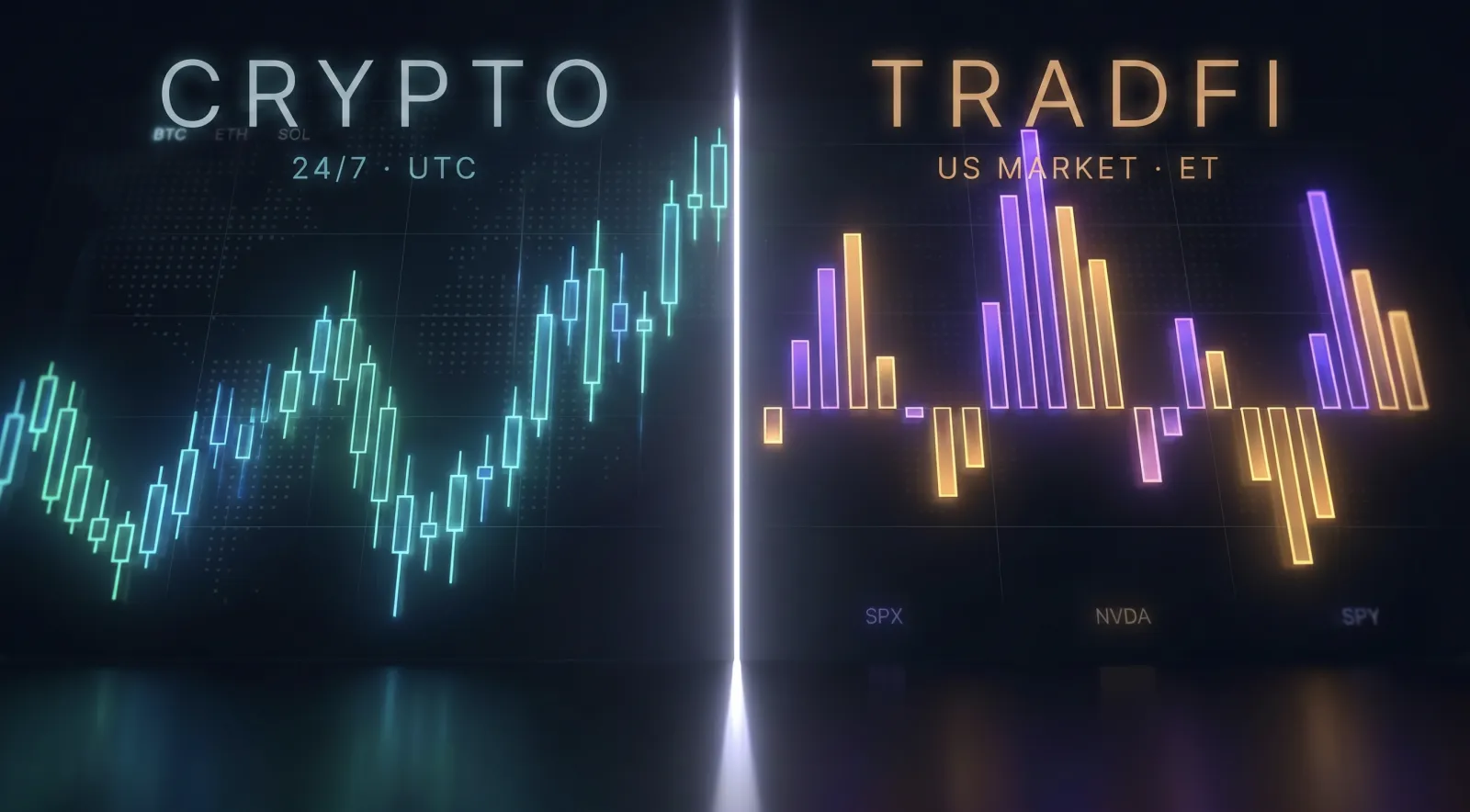
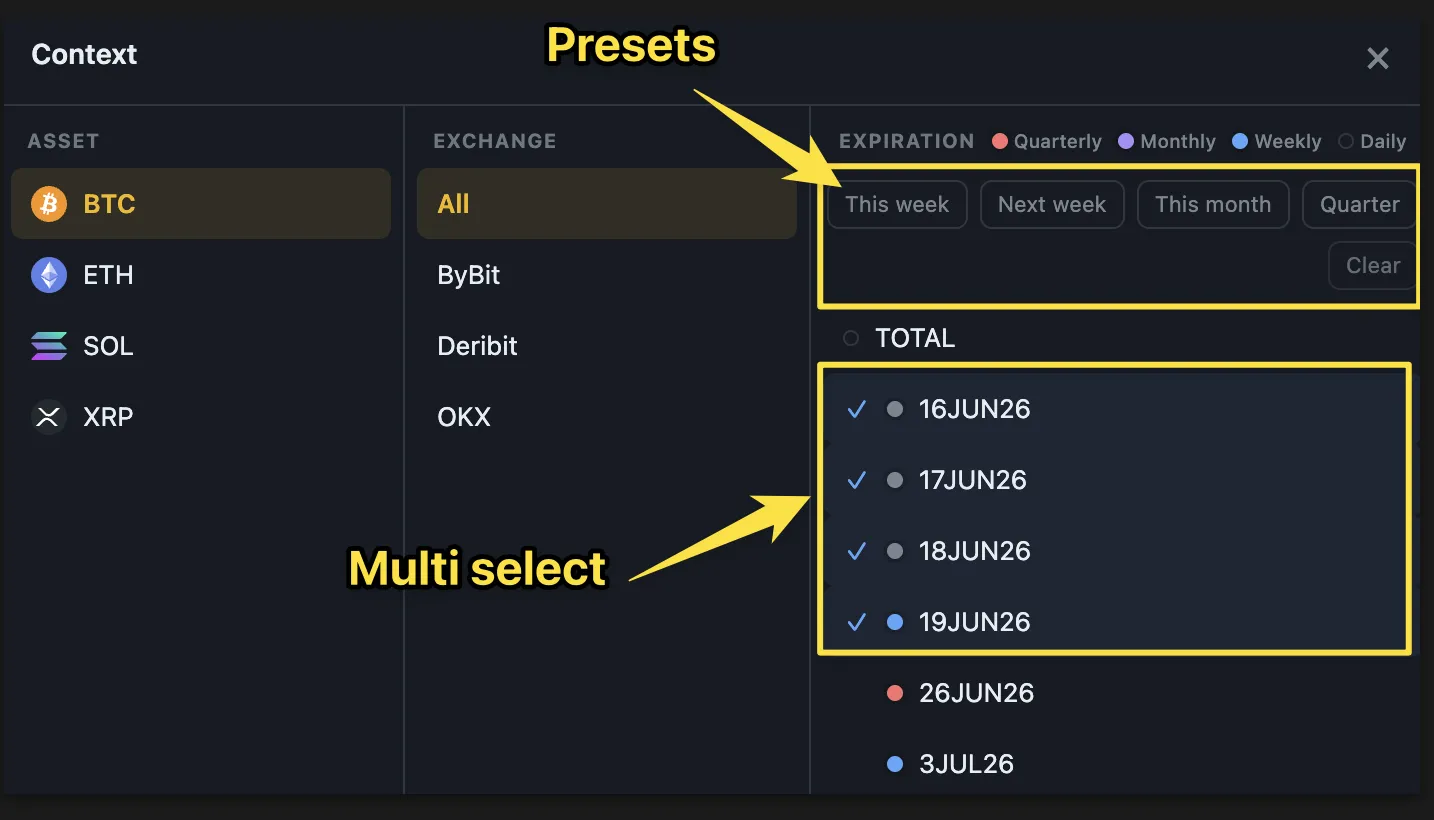
(Bold = new; SPX/SPY and QQQ were already live. Nasdaq-100 is covered via the QQQ ETF.) Why ship both? The index is the "pure" dealer read, but the ETF usually carries deeper option open interest — so its GEX map is denser and often the more tradable of the two. Put them side by side. Flip point, walls, hedging pressure, heatmap and Monte Carlo all work on them out of the box. Open Now → context pill → TradFi.
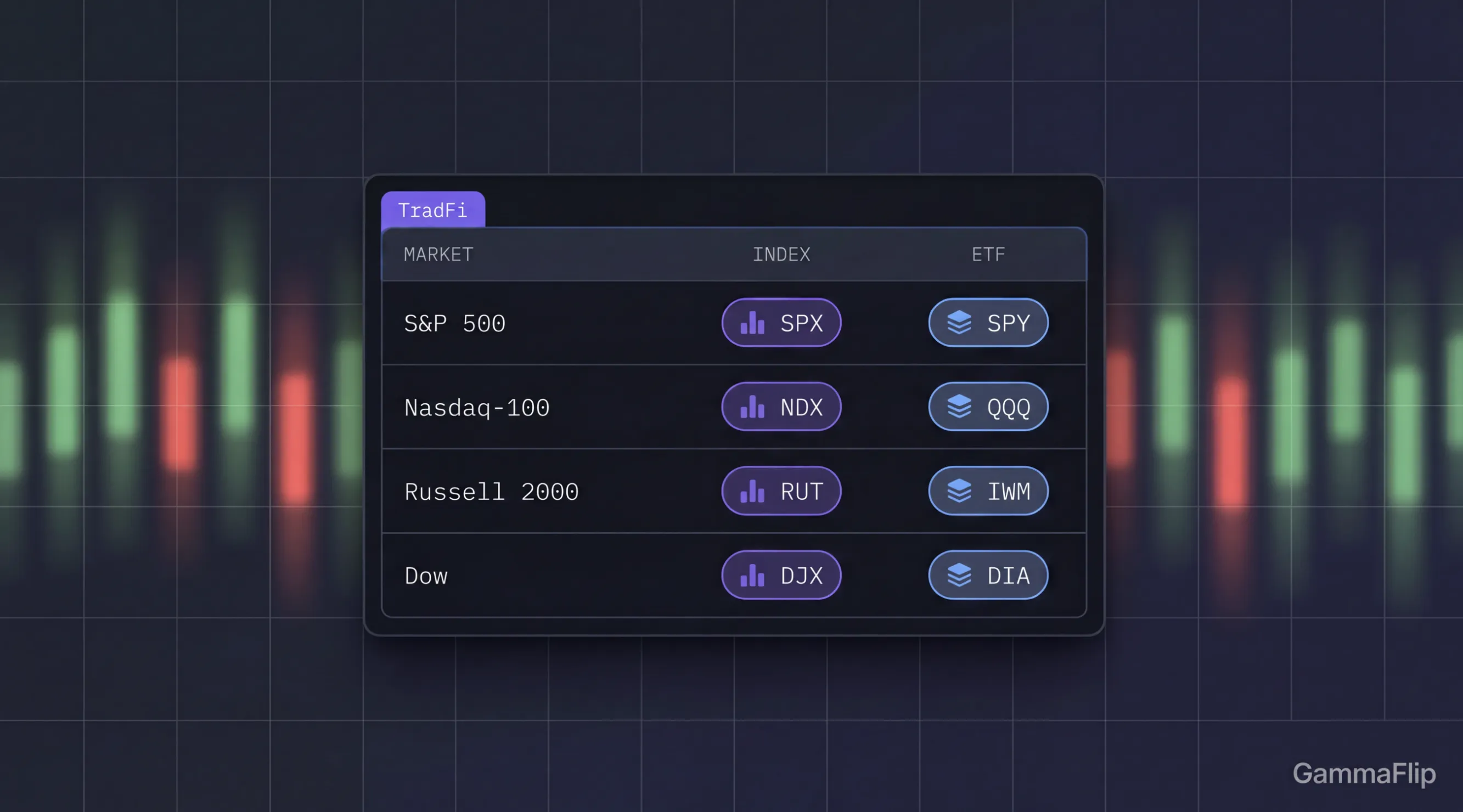
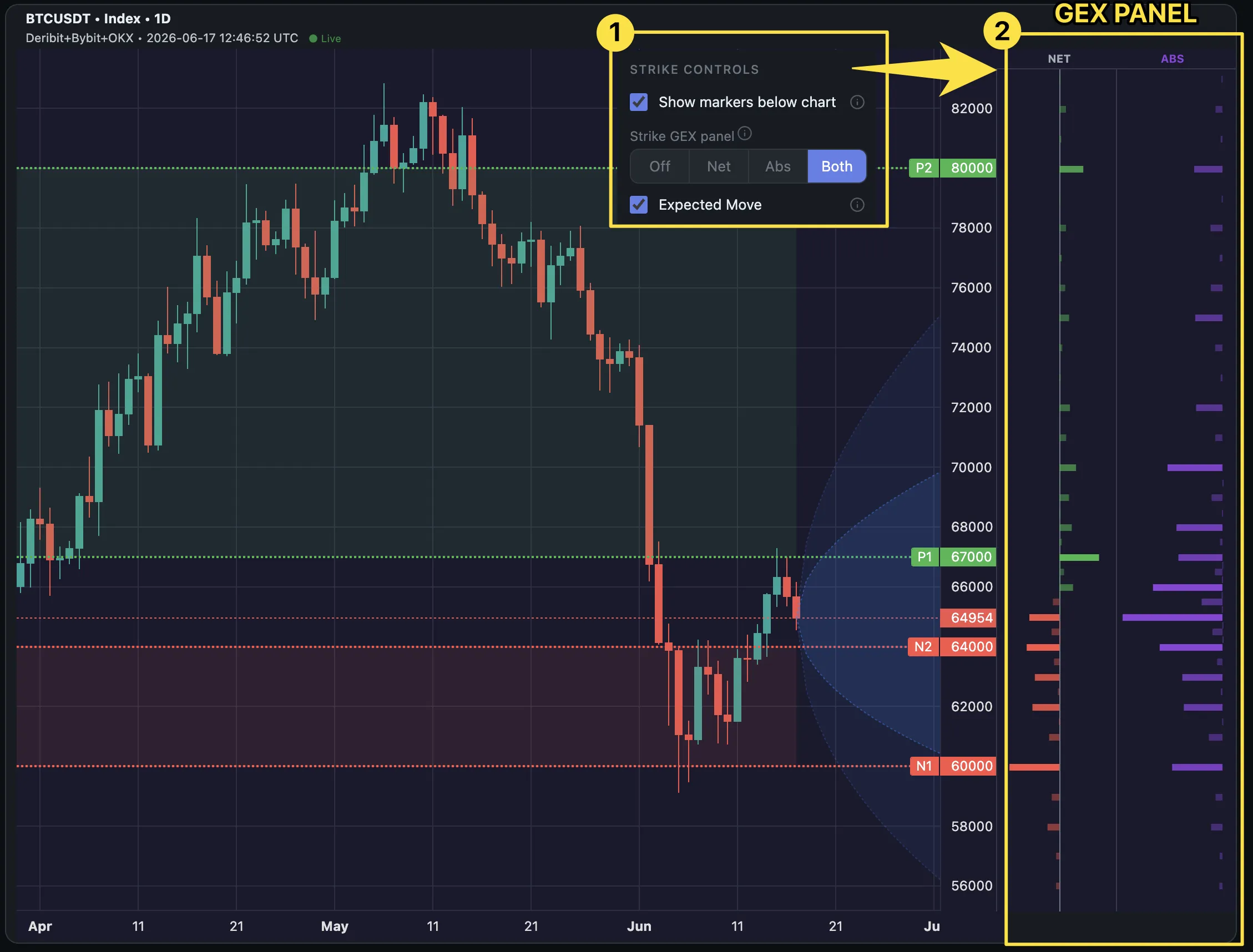
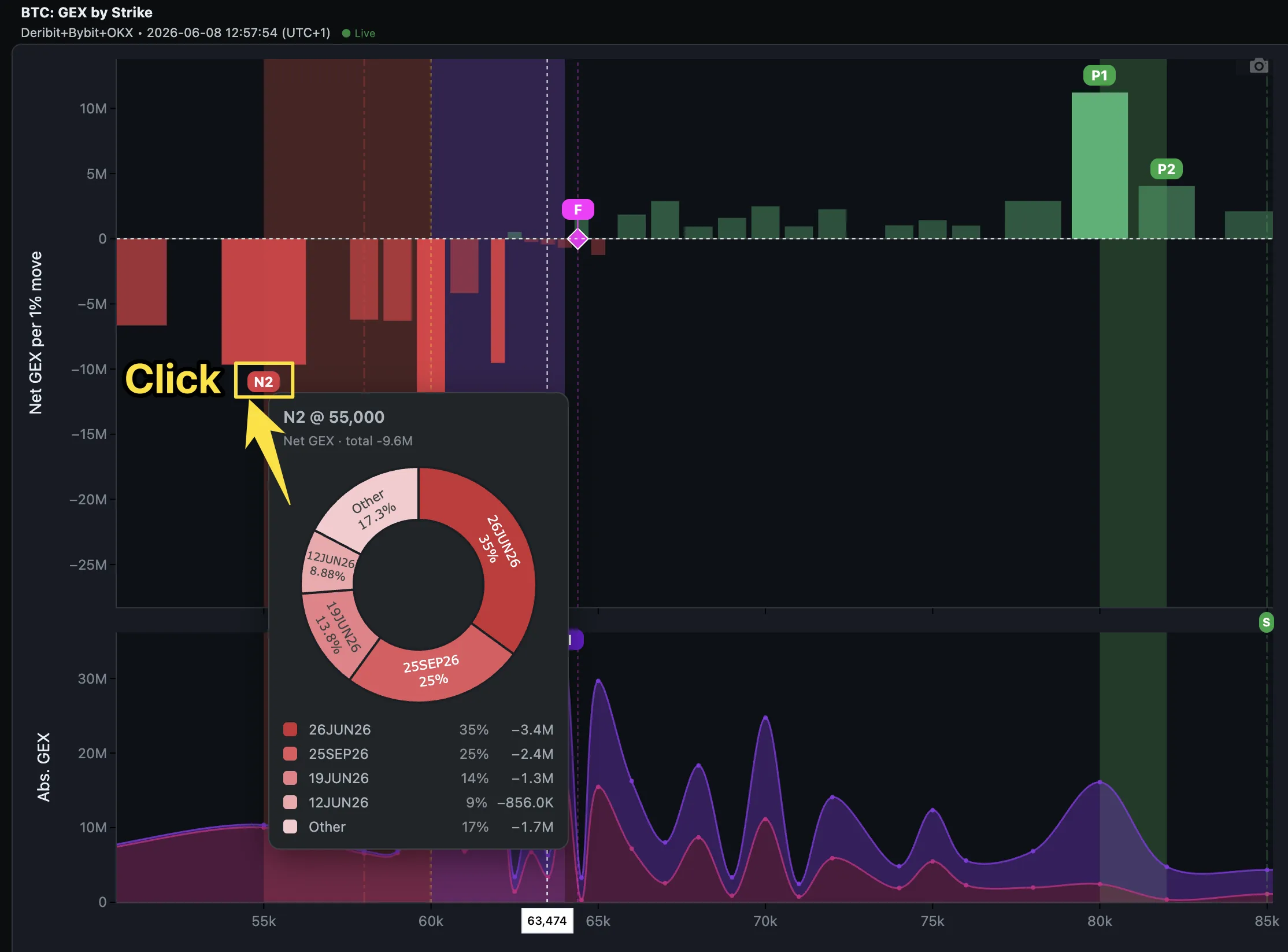
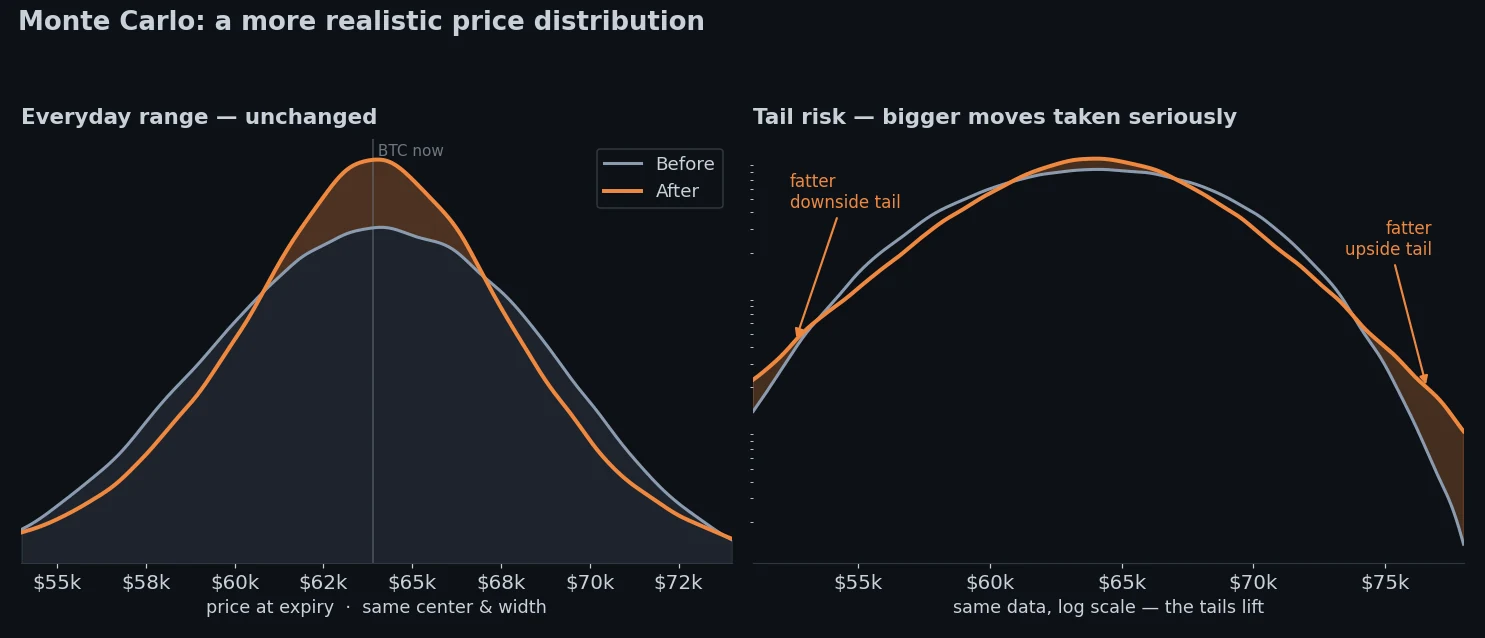
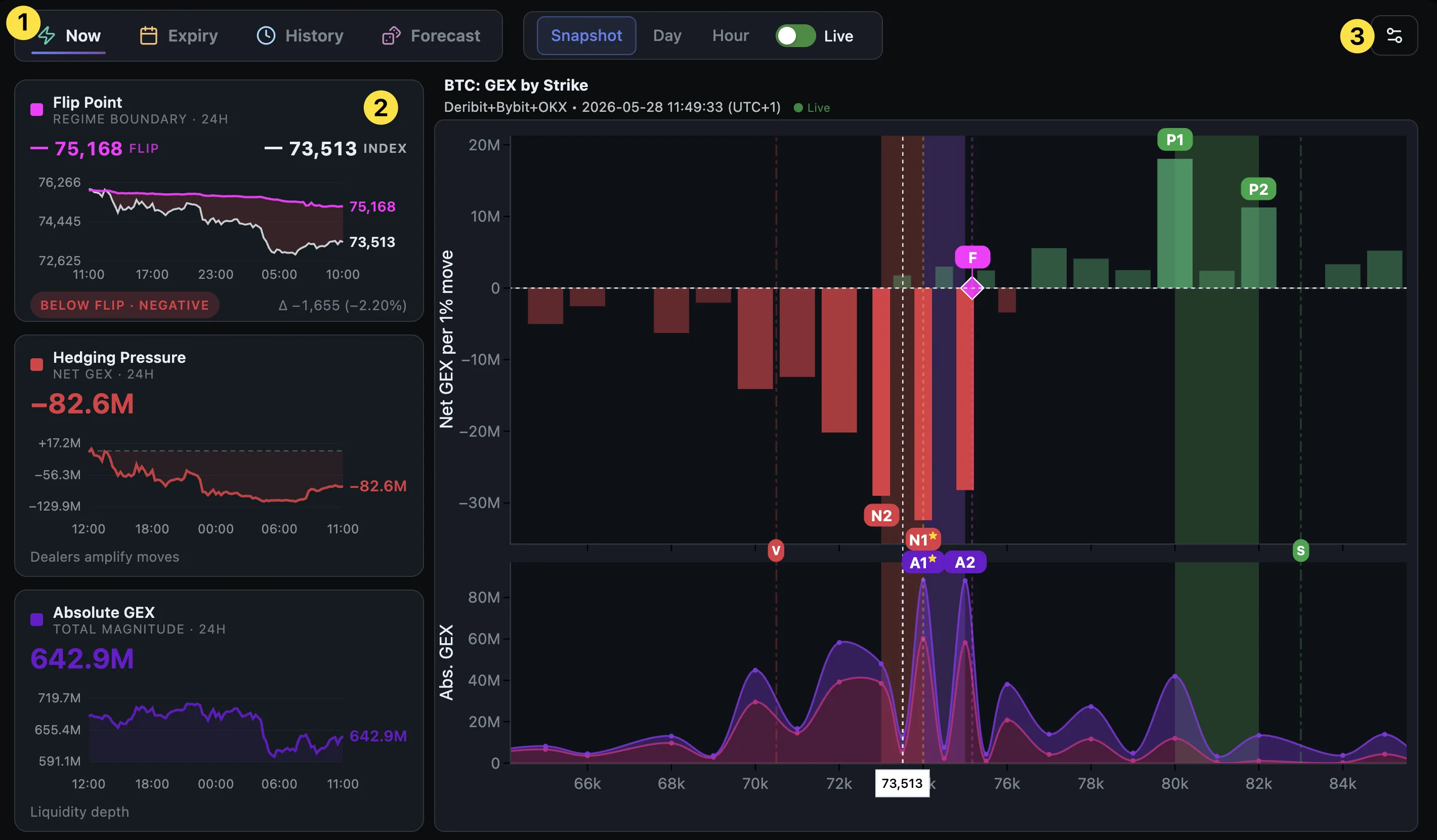
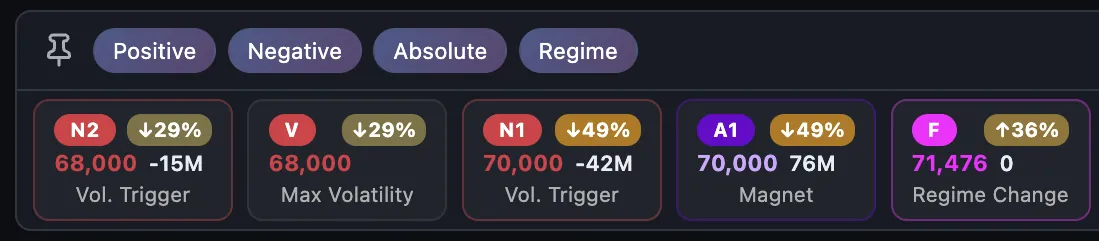
Reach Probability on every marker: Press 🎯 Reach % in the Now nav bar to stamp each GEX level with the Monte-Carlo odds price closes at or above (↑) — or at or below (↓) it by a horizon you pick (8h–30d, or this Friday / month-end). Heat-colored % chips appear on the on-chart marker badges and the Dealer Pulse cards; a GEX Impact setting (Light / Normal / Strong) tunes how hard gamma bends the paths. One cached simulation per horizon, so all markers read instantly. Open Now.
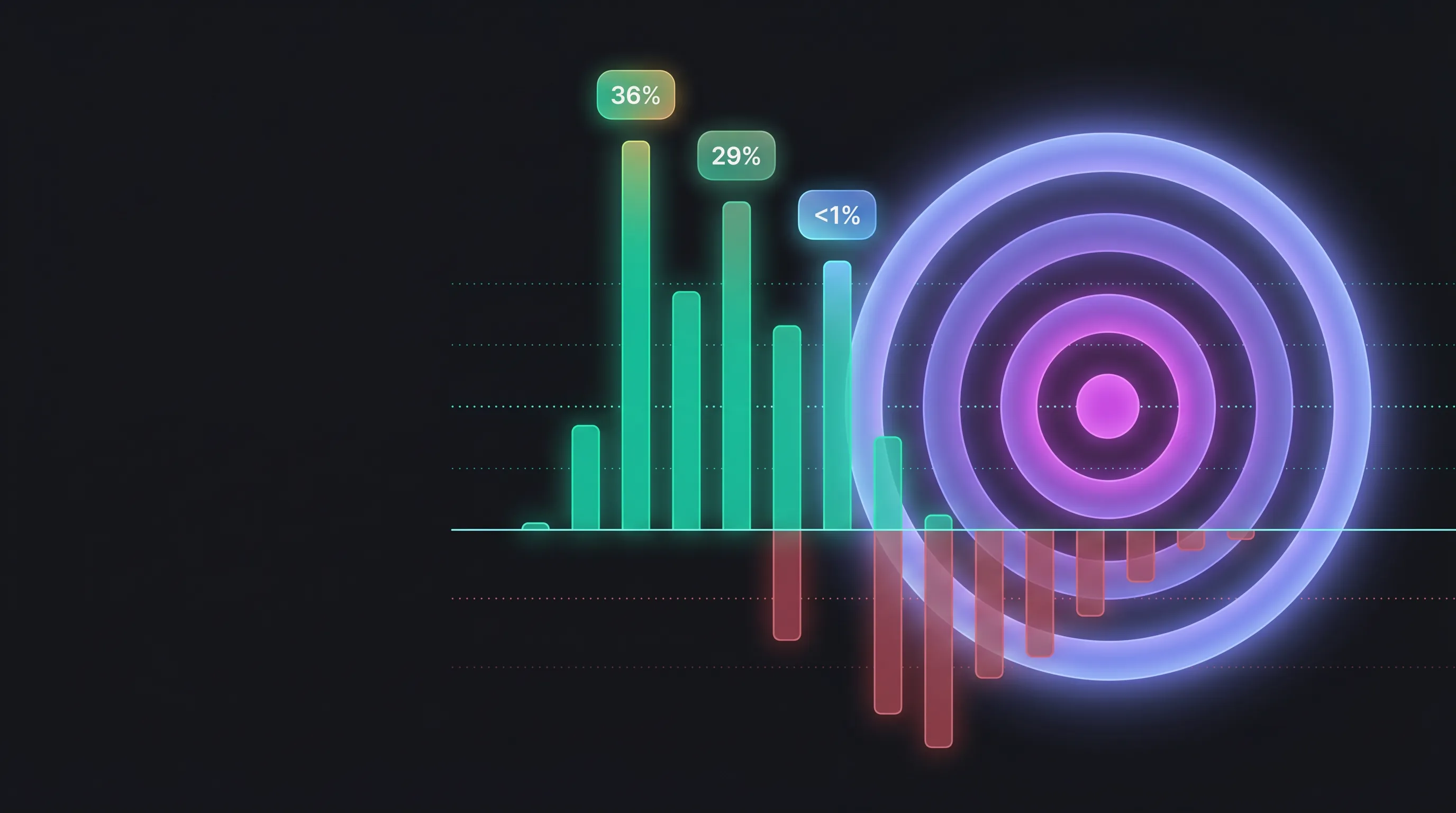
Blog: Reach Probability: A 5-minute read on what the chips mean (terminal odds — where price finishes, not whether it touches), the three controls, and how to use them in a trade plan. Read: Reach Probability: The Odds Price Closes Above or Below Each GEX Level.